
Deleting your account and data
The Lunnica app, developed by Arkona Development LLC.
In the app
- Open ProfileThe last tab at the bottom.
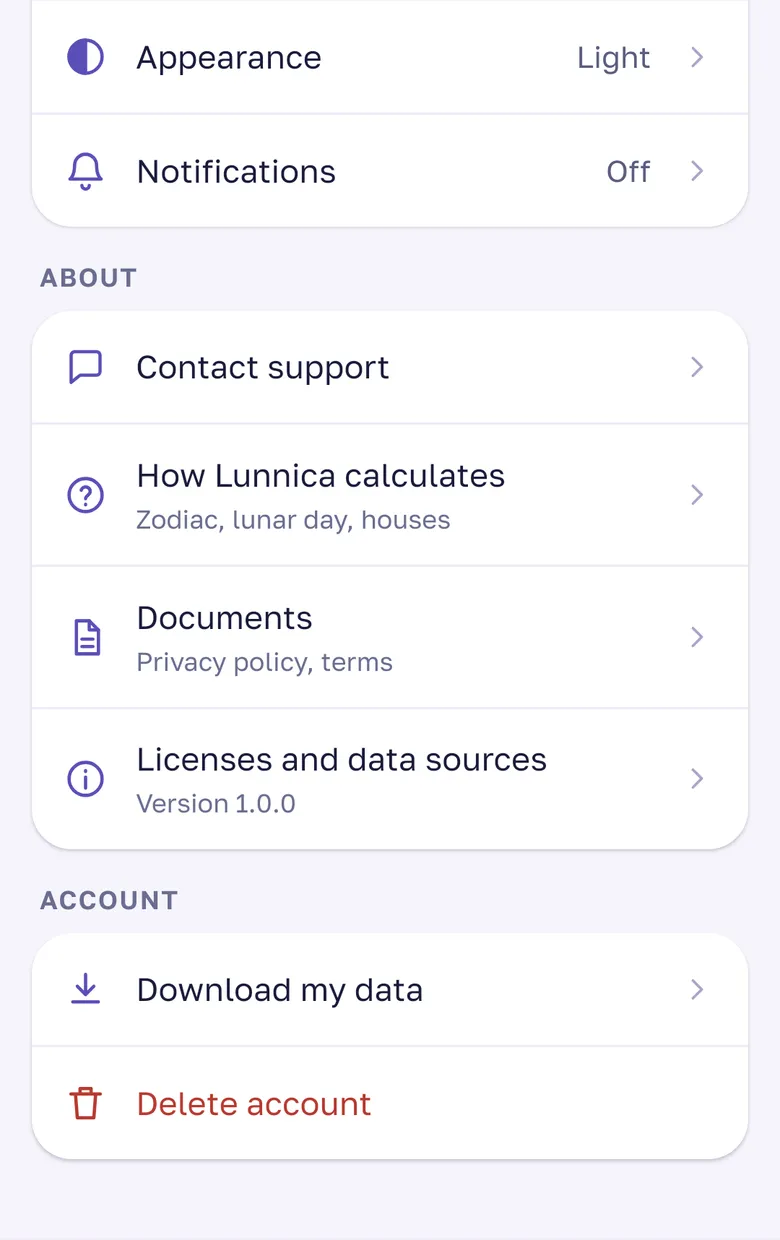
- Download your data if you need itAccount → “Download my data”.
- Tap “Delete account”At the bottom of the Account section.
- ConfirmYour data is deleted for good.
Cancel your Google Play subscription yourselfGoogle Play → Payments & subscriptions, or the charges will continue.
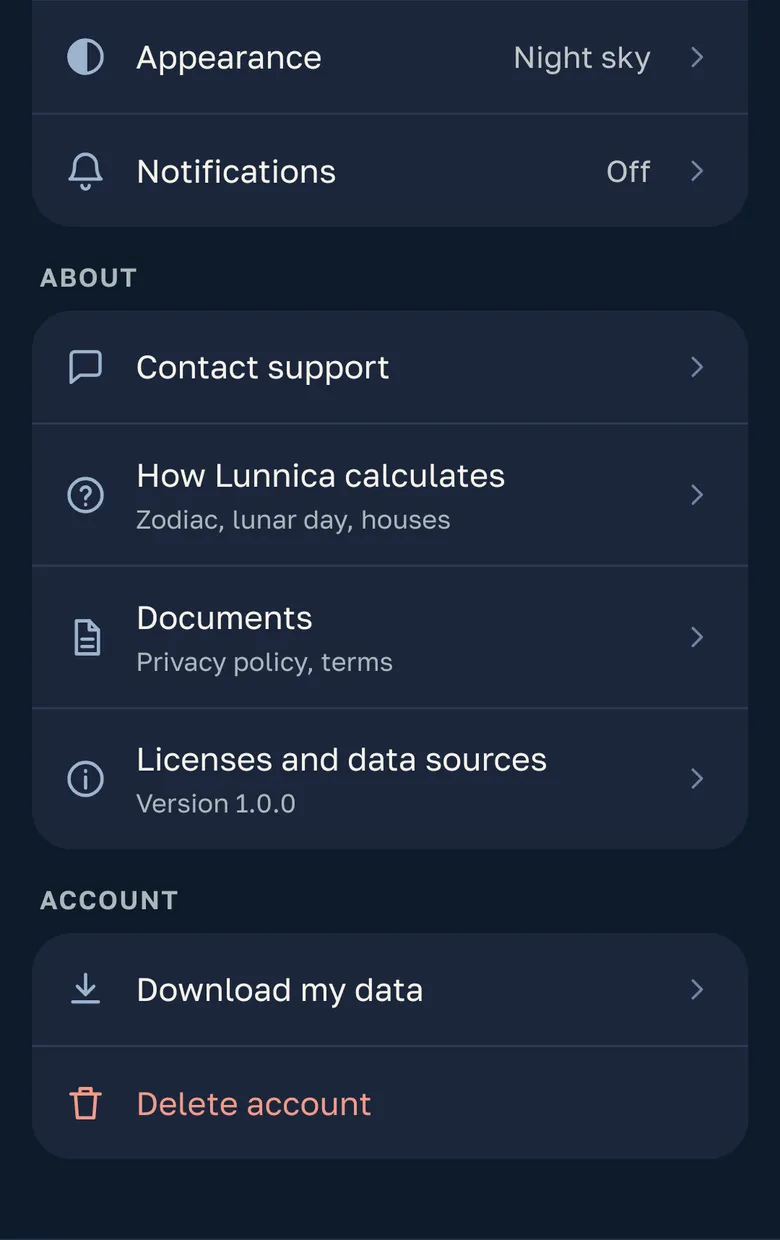
Without the app, by e-mail
To support@lunnica.app with the subject “Delete account”.
From your account e-mailThe one you sign in to Lunnica with.
Google or Yandex IDTell us how you sign in and the e-mail of that account.
TimingWe delete it within 10 business days after you confirm.
What is deleted and what is kept
Everything is deleted except what tax accounting requires.
What is deleted
- Your e-mail and sign-in methods (Google, Yandex ID)
- Date, time and place of birth, gender, natal chart
- City, forecasts, summaries and settings
- Consent log
What the law requires us to keep
Payment and subscription records: plan, amount, dates; no card details among them. A free trial mark, so the trial is not granted twice.
The records are anonymized and no longer point to you. We keep them as long as tax accounting requires.
Premium when you delete the account
Deleting the account does not cancel a Google Play subscription: cancel it in Google Play.
Delete only your birth details
Profile → Birth details → “Delete birth details”. Your account and calendar stay.
If you never signed in
A guest account is tied to your phone and cannot be found by e-mail. Delete it in the app: Profile → “Delete account”.